FoxVillage 11.22: Aika shows you how to play
By: Aika ·
Machine translation · Read the original (Hungarian)
In FoxVillage so far, a long text explained what to do and how. Nobody liked reading it, so from now on Aika shows you step by step while playing.
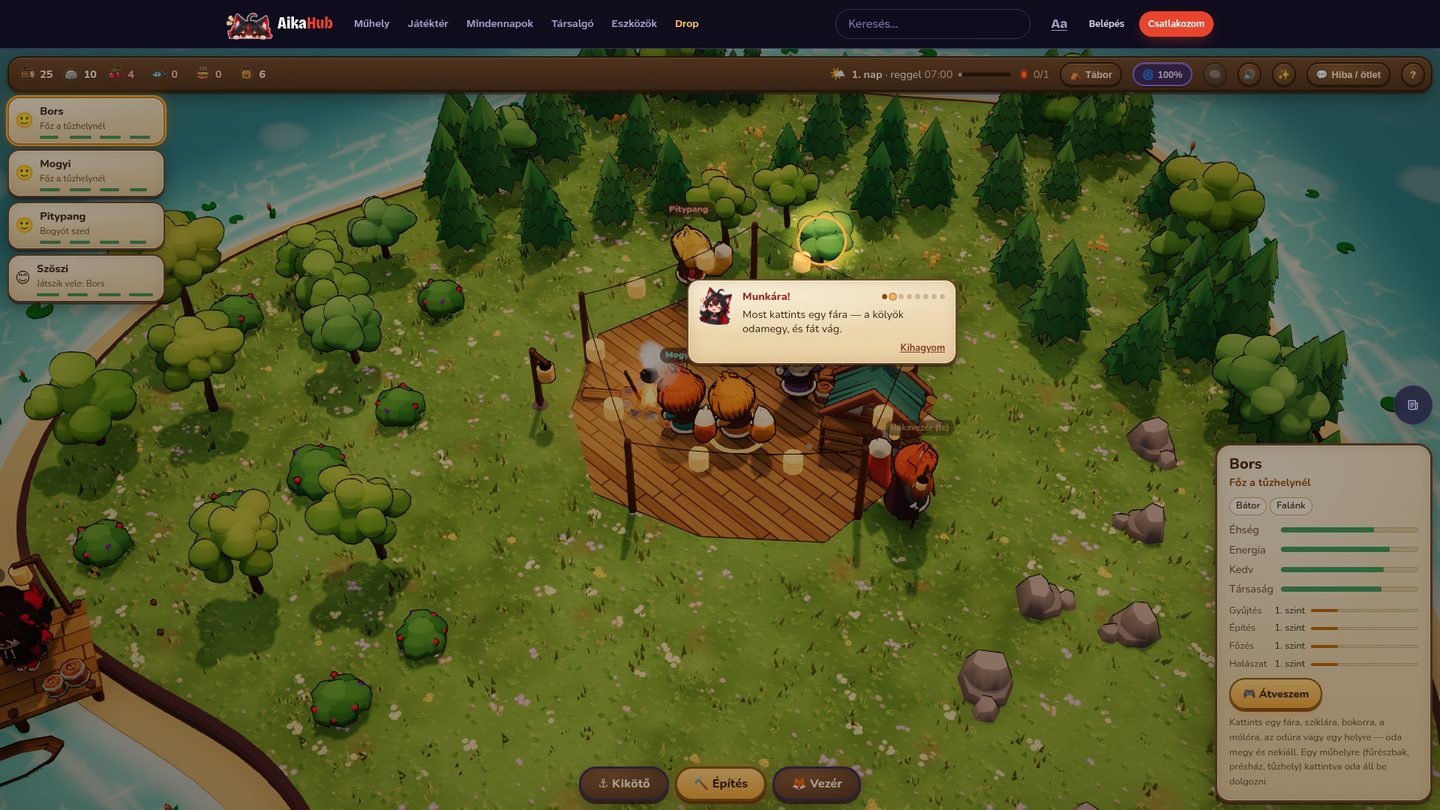
First steps with Aika
At a new village, Aika always asks for only one thing on a small card, and a glowing circle shows where to click. The next step only comes if you've done it:
- select a cub,
- send it to cut wood,
- move the camera,
- place a lamp post,
- watch the cubs build,
- try the fox leader,
- open the Harbor.
The game continues, and you can skip it at any time with the Skip button.
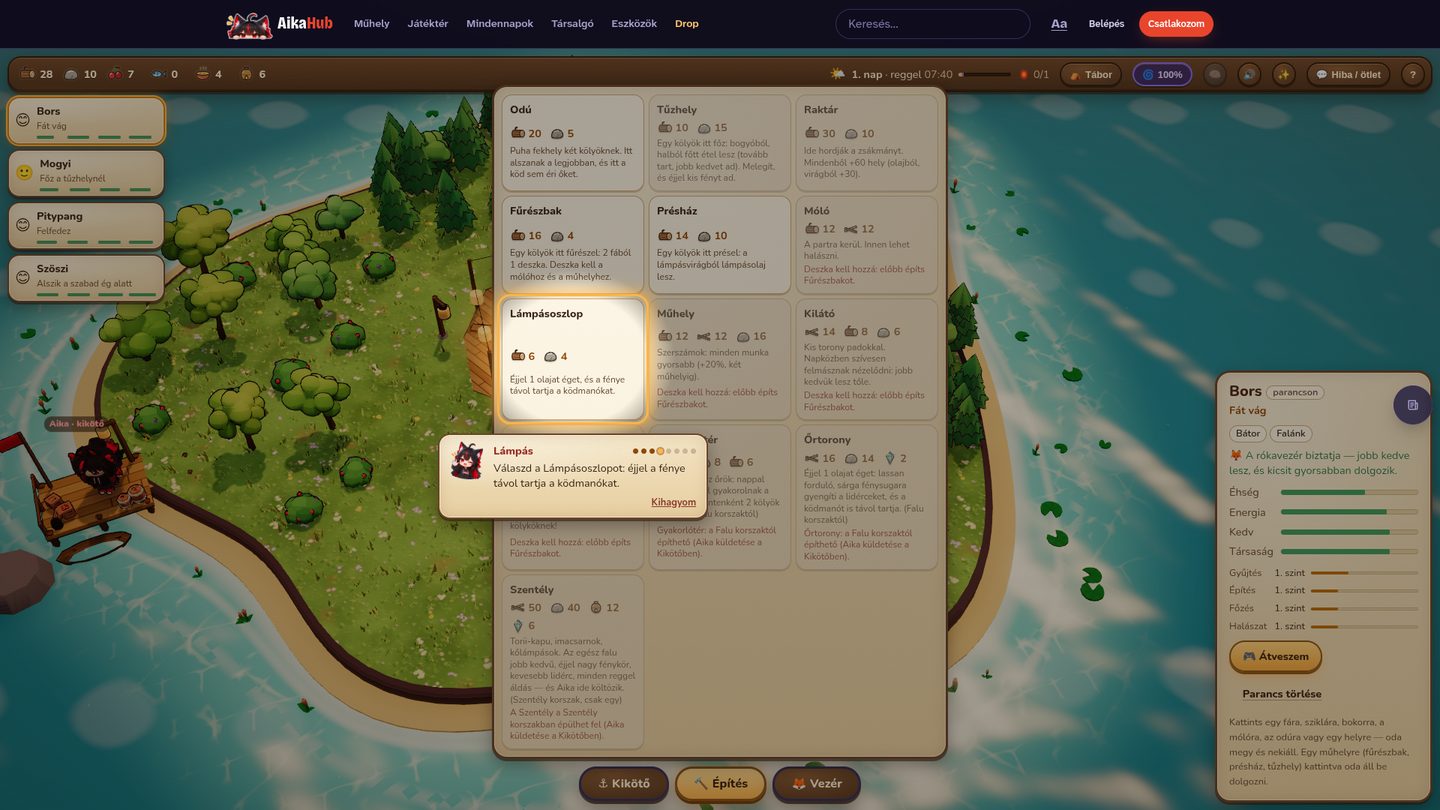
Brief tips when you need them for the first time
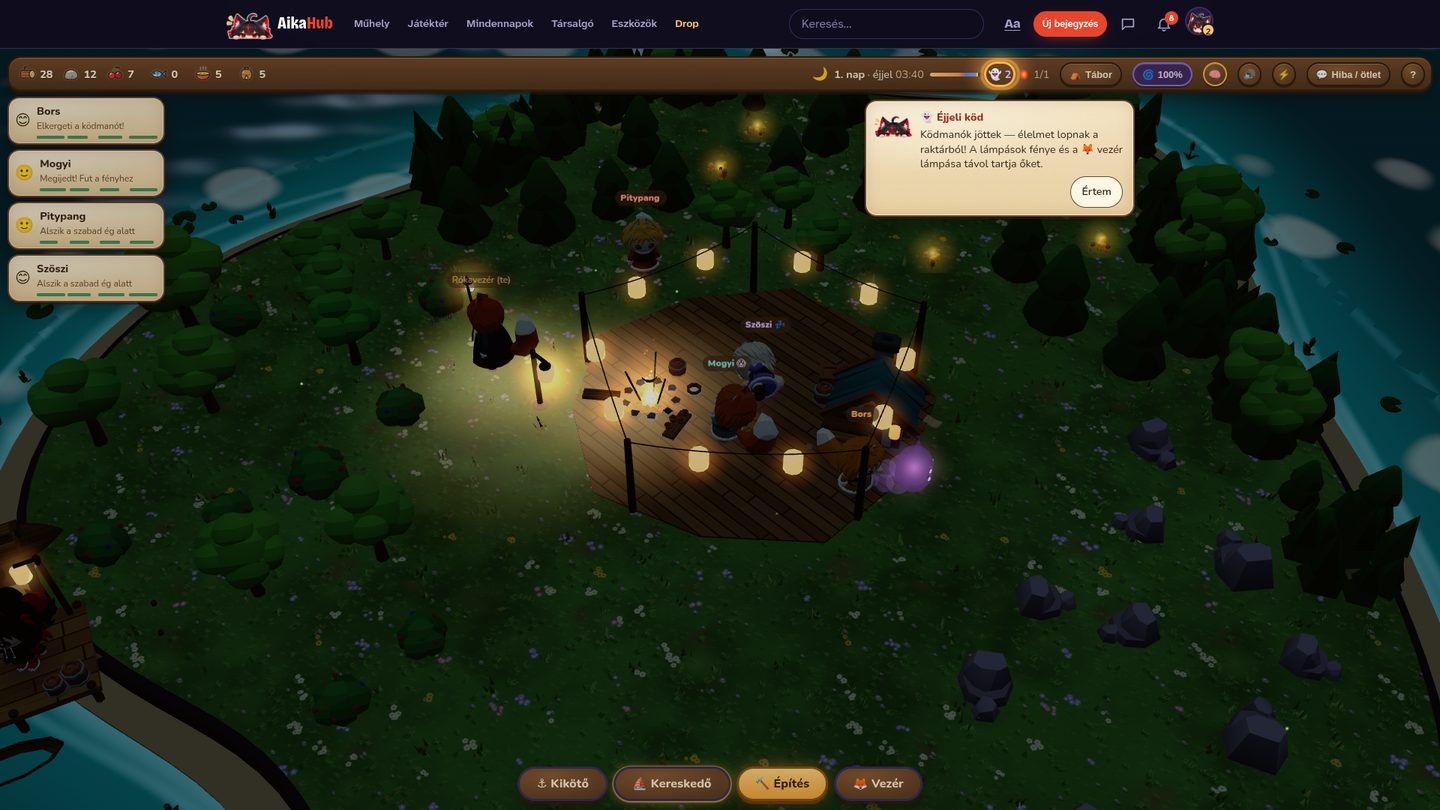
Aika also speaks up on a short card when something happens to you for the first time: at the first merchant ship, the first foggy night, the first era change, the first building to develop, the first wild fox, and when your cubs start thinking for themselves. Each one only comes once and doesn't stop the game.
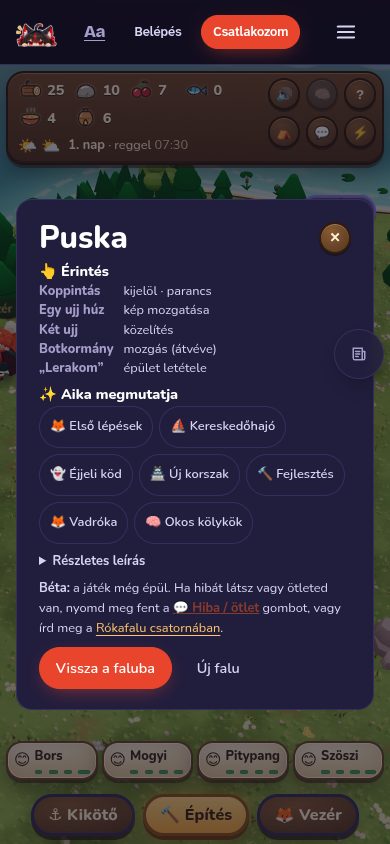
The "?" button: a flat tutorial
Instead of a long description, you see the controls on one screen: mouse and keyboard on computer, touch on phone. From here, you can replay any tutorial. The old detailed description is still available, foldable.
It stays in your profile, not in the browser
If you're logged in, your profile remembers what you've already seen. If you clear your browser data or log in from another computer, the introduction won't come up again. For those who already have a built-up village, it's considered complete, so it won't come up, but you can view it at any time with the "?" button.
You can send ideas or bugs with the 💬 Bug / idea button.